Files & Folders Lister Z (Enterprise Edition)
A downloadable tool for Windows, macOS, and Linux
Files & Folders Lister Z
(Enterprise Edition, version with no credits in generated output files)
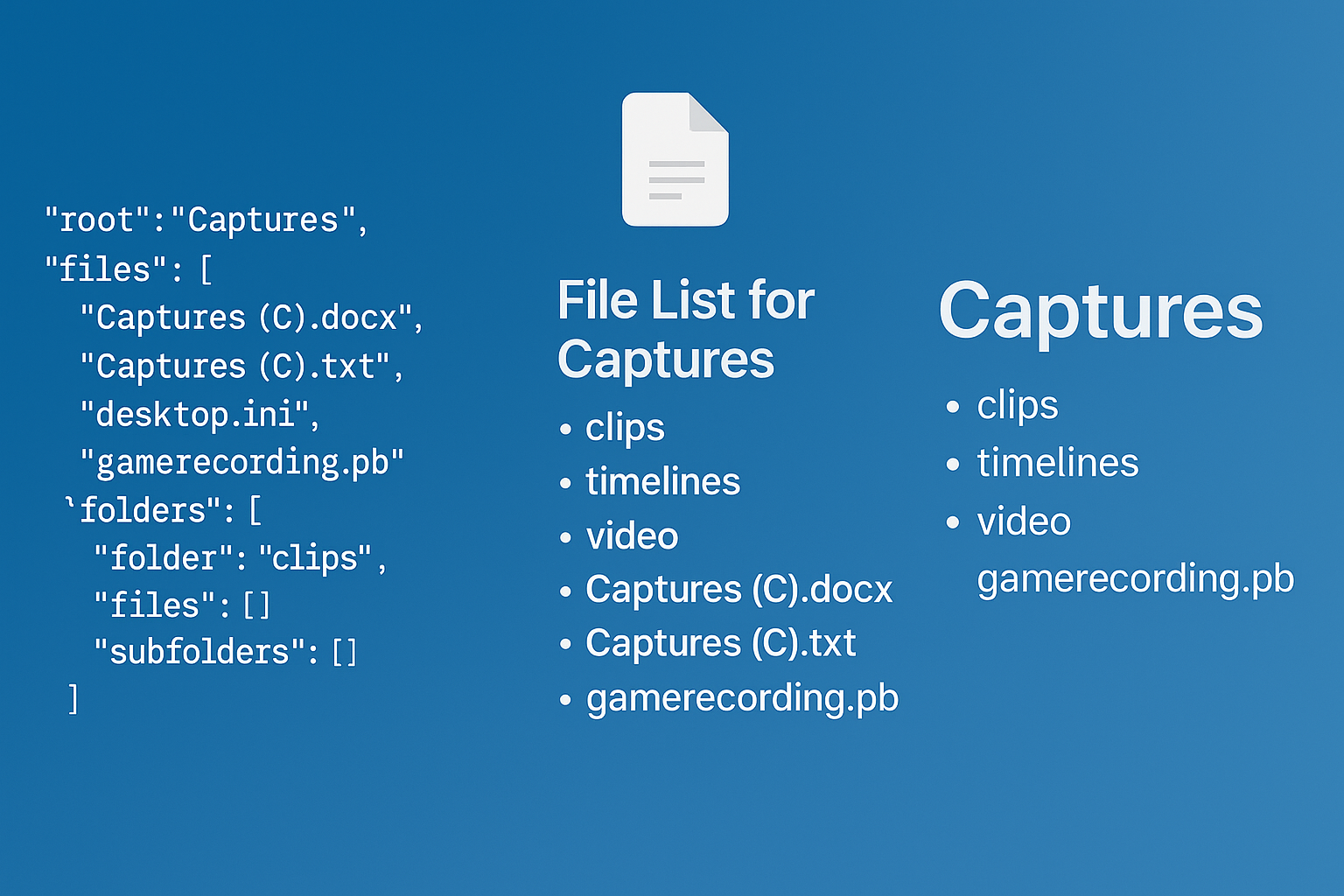
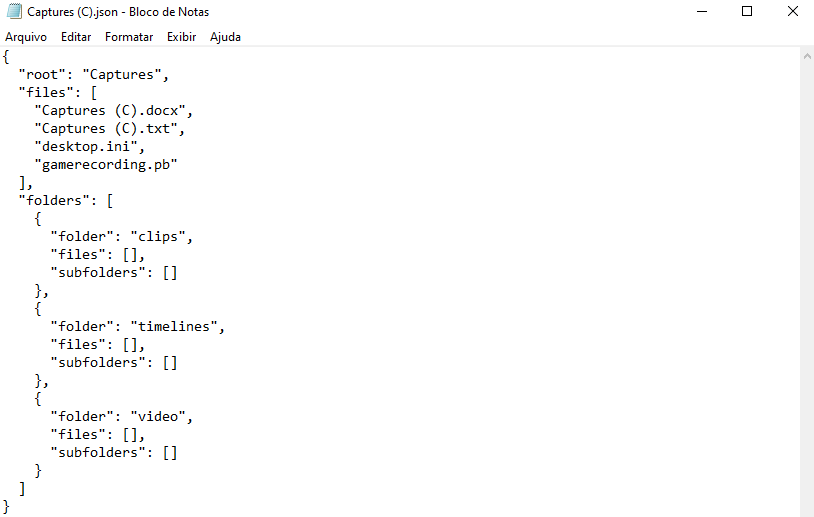
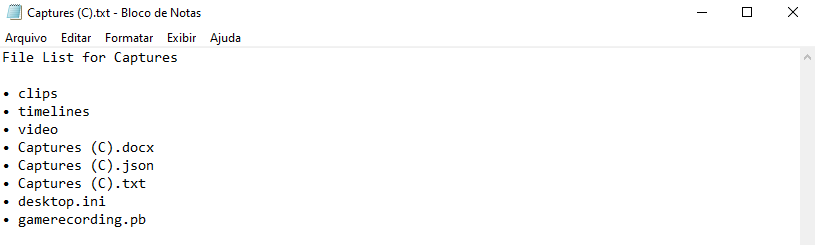
A Python tool to generate organized lists of files and folders in a directory, with options for DOCX or TXT or JSON output. Features include recursive listing, sorting, and customizable output formats.
Also can create folders and empy text files in the same structure as JSON file that's going to be selected.
Compatibility
Files & Folders Lister Z or just Lister Z works on Windows, Linux, and MacOS.
How to Run
Multi-language Support
Both the command-line and GUI versions support English and Brazilian Portuguese. In the GUI, there are two main buttons: "Executar Listador de Pastas e Arquivos Z" (Brazilian Portuguese, above) and "Run Files & Folders Lister Z" (English, below).
Windows
- GUI:
- Double-click
lister_z_gui.exe. The GUI shows both language buttons as described above.
- Double-click
- Command Line:
- Use
run_lister_z.cmdor runpython lister_z.pyin a terminal. The program will prompt for language selection.
- Use
Linux
- GUI:
- Run the shell script:
./run_lister_z_gui.sh. The GUI features are identical to the Windows version, including both language buttons.
- Run the shell script:
- Command Line:
- Run the shell script:
./run_lister_z.shand follow the language prompt.
- Run the shell script:
MacOS
- GUI:
- Double-click
Lister Z GUI.command. The GUI features are identical to the Windows version, including both language buttons.
- Double-click
- Command Line:
- Double-click
Lister Z.commandand follow the language prompt.
- Double-click
Python 3 is required to run the .py scripts.
For more details and advanced options, see the USER_MANUAL.md file. For support or more information, contact Ium101.
Listador de Pastas e Arquivos Z
(Versão Empresarial, sem créditos nos arquivos de saída gerados)
Um utilitário Python para gerar listas organizadas de arquivos e pastas em um diretório, com opções de saída em DOCX, TXT ou JSON. Recursos incluem listagem recursiva, ordenação e formatos de saída personalizáveis.
Também pode criar pastas e arquivos de texto com nomes na mesma estrutura do arquivo JSON a ser selecionado.
Compatibilidade
Files & Folders Lister Z, ou simplesmente Lister Z, funciona em Windows, Linux e MacOS.
Como Executar
Suporte a Múltiplos Idiomas
Tanto a versão de linha de comando quanto a GUI suportam inglês e português brasileiro. Na GUI, há dois botões principais: "Executar Listador de Pastas e Arquivos Z" (português brasileiro, acima) e "Run Files & Folders Lister Z" (inglês, abaixo).
Windows
- GUI:
- Clique duas vezes em
lister_z_gui.exe. A interface gráfica mostra ambos os botões de idioma e a área de créditos conforme descrito acima.
- Clique duas vezes em
- Linha de Comando:
- Use
run_lister_z.cmdou executepython lister_z.pyno terminal. O programa solicitará a seleção de idioma.
- Use
Linux
- GUI:
- Execute o script:
./run_lister_z_gui.sh. A interface gráfica é idêntica à versão Windows, incluindo os botões de idioma e área de créditos.
- Execute o script:
- Linha de Comando:
- Execute o script:
./run_lister_z.she siga o prompt de idioma.
- Execute o script:
MacOS
- GUI:
- Clique duas vezes em
Lister Z GUI.command. A interface gráfica é idêntica à versão Windows, incluindo os botões de idioma e área de créditos.
- Clique duas vezes em
- Linha de Comando:
- Clique duas vezes em
Lister Z.commande siga o prompt de idioma.
- Clique duas vezes em
Python 3 é necessário para executar os scripts .py.
Para mais detalhes e opções avançadas, veja o arquivo USER_MANUAL.md. Para suporte ou mais informações, entre em contato com Ium101.
Purchase
In order to download this tool you must purchase it at or above the minimum price of $5 USD. You will get access to the following files:

Leave a comment
Log in with itch.io to leave a comment.